This is the homepage Ohlone College Spanish 101B, the second semester of the 101A college-level Beginning Spanish series
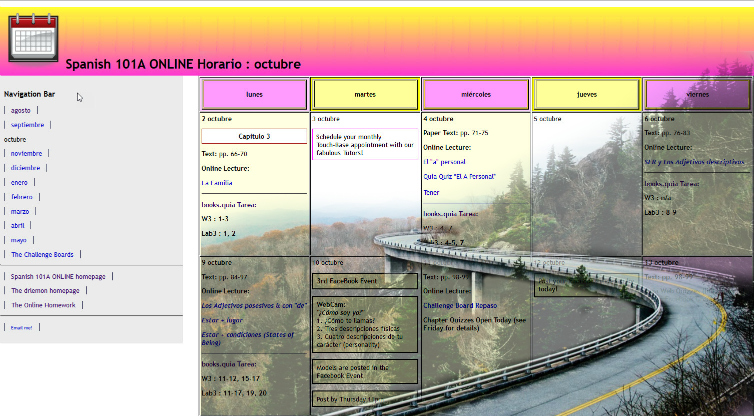
The 101B class calendar (El Horario) here at drlemon.com
|
|||||
|---|---|---|---|---|---|
Follow our 101B class calendar (el horario) and you will not get lost. It's based on a three day a week class, effectively breaking up the grammar and activities into manageable bites. The grammar topics are links to the Grammar Notes explanations, examples and practice activities (in the yellow Practice Zone). The Quia workbook & lab manual assignments are listed also deal directly with the grammar topics on that same day. Facebook activities and chapter quizzes may be noted, but you must go to our Facebook group for details. |
|||||
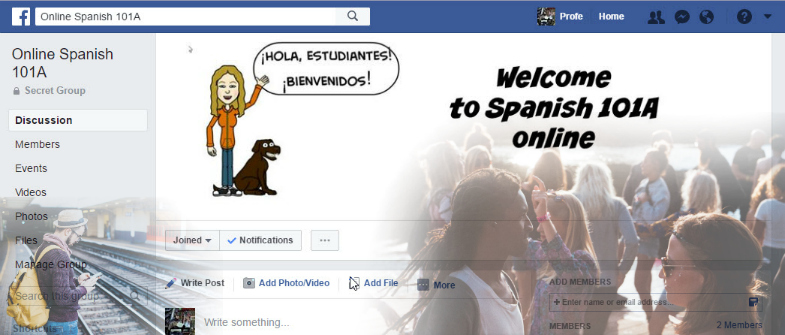
The 101B Facebook Group
|
|||||
Our private Facebook Group is our mobile virtual classroom where our participation actities and projects take place. We'll be posting using images, text, and video. I will post topics for discussion and polls for quick check-ins. You can talk with each other about the activities, materials, the topics, the grammar, etc. You can form study groups. And you can message me as well as the tutors. You also set up your monthly appointments for the TouchBase sessions here. |
|||||
| Your workbook and lab manual assignments to practice reading, writing, listening and speaking. Audio files are located in Quia.com/Web. Follow the calendar and you will not get lost! |